Onboarding
Before you can take a payment you need a merchant account. This page covers creating it and signing in for the first time.
Before you start
Aptean sets up your Aptean Pay subscription and nominates a primary account holder email address. You cannot sign yourself up from scratch — the sign-up form only accepts the address Aptean has already registered.
If you do not know which address was registered, ask your Aptean contact before going any further.
Create your account
-
Open the merchant portal for your environment:
-
Staging —
https://stg.merchant.apteanpay.com/ -
Production —
https://merchant.apteanpay.com/ -
Click Sign up now.
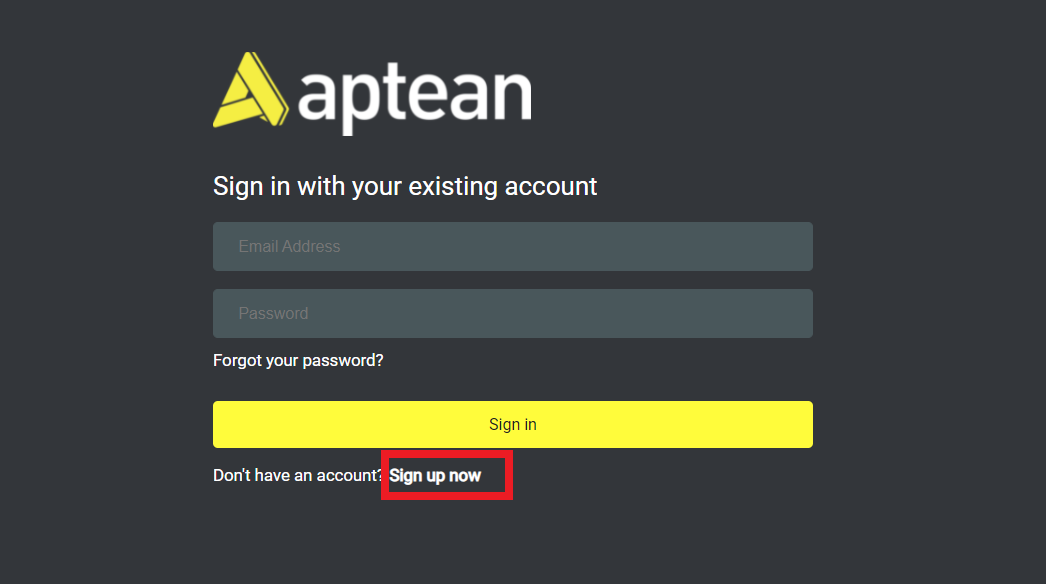
- The sign-up window opens.
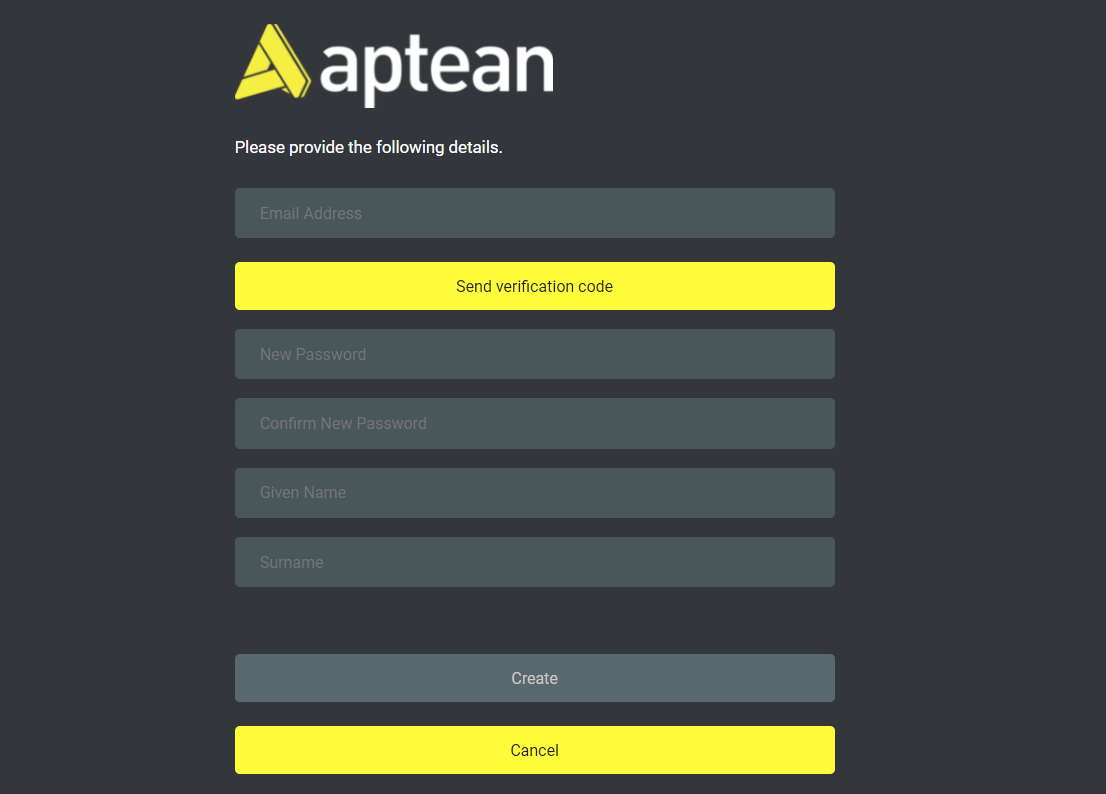
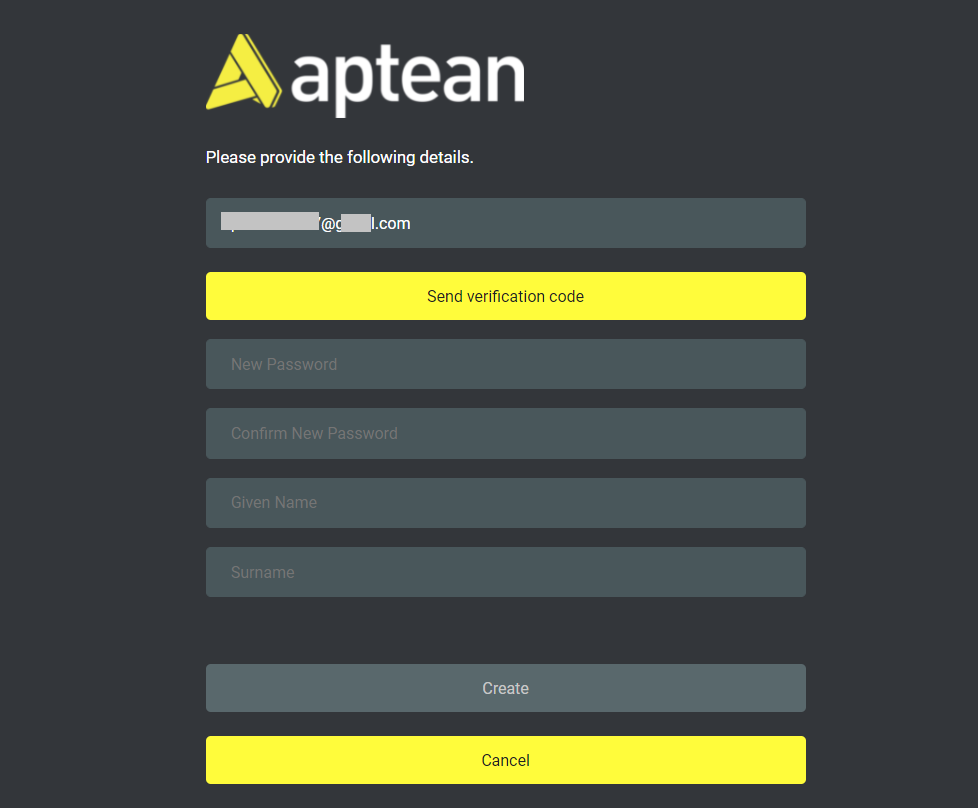
- Enter the primary account holder email address that was registered during your Aptean Pay subscription, then click Send verification code. Aptean Pay emails a code to that address.
- Enter the code and click Verify code.
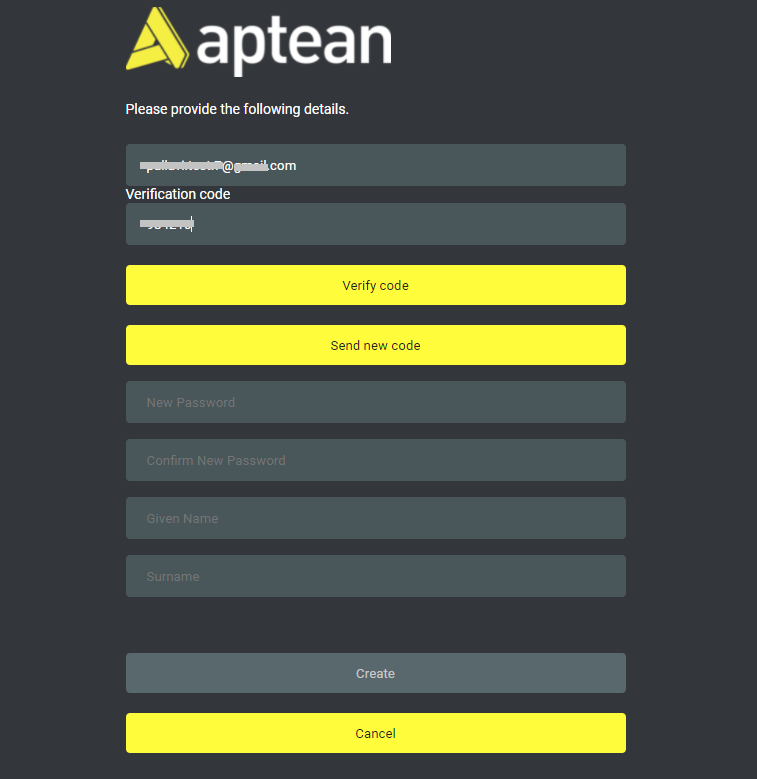
Note: The code expires. If it has, or if the email does not arrive, click Send new code rather than re-entering the old one.
- Set a password, confirm it, give your first and last name, and click Create.
You are now signed in to the merchant portal.
Getting your API credentials
The merchant portal gets you into the product. It does not issue your API credentials.
Your API key, tenant ID and tenant secret are issued by Aptean as part of provisioning your integration. If you have completed onboarding and do not have all three, ask your Aptean contact — you cannot generate them yourself.
See Authentication for what each one is and where it goes.
Staging and production are separate
Onboarding in staging does not onboard you in production. You will go through this process twice, with different credentials each time. See Environments and URLs.